
LAUNCH CR HD V2 Heavy-Duty Truck Diagnostic Tool
Item No. SC568 In Stock.
History 0 sold.
Latest price: $80.00
$80.00
US/UK/EU Ship Tax FREE Please Check Here>>>
Launch Renewal Card BEST PRICE
Better price or tech support, pls feel free to contact Ivana:
WhatsApp: +1 937 888 0032
Email: [email protected]
Launch Renewal Card BEST PRICE
Better price or tech support, pls feel free to contact Ivana:
WhatsApp: +1 937 888 0032
Email: [email protected]
Free Shipping · Standard Flat Rate · Est. delivery: 7-18 working days
Weight: 0.5KG
Returns: Return for refund within 30 days, buyer pays return shipping
Product Description
Global Info
Technical Service
FAQs 0
Reviews 0
LAUNCH CR HD V2 Truck Diagnostic Tool
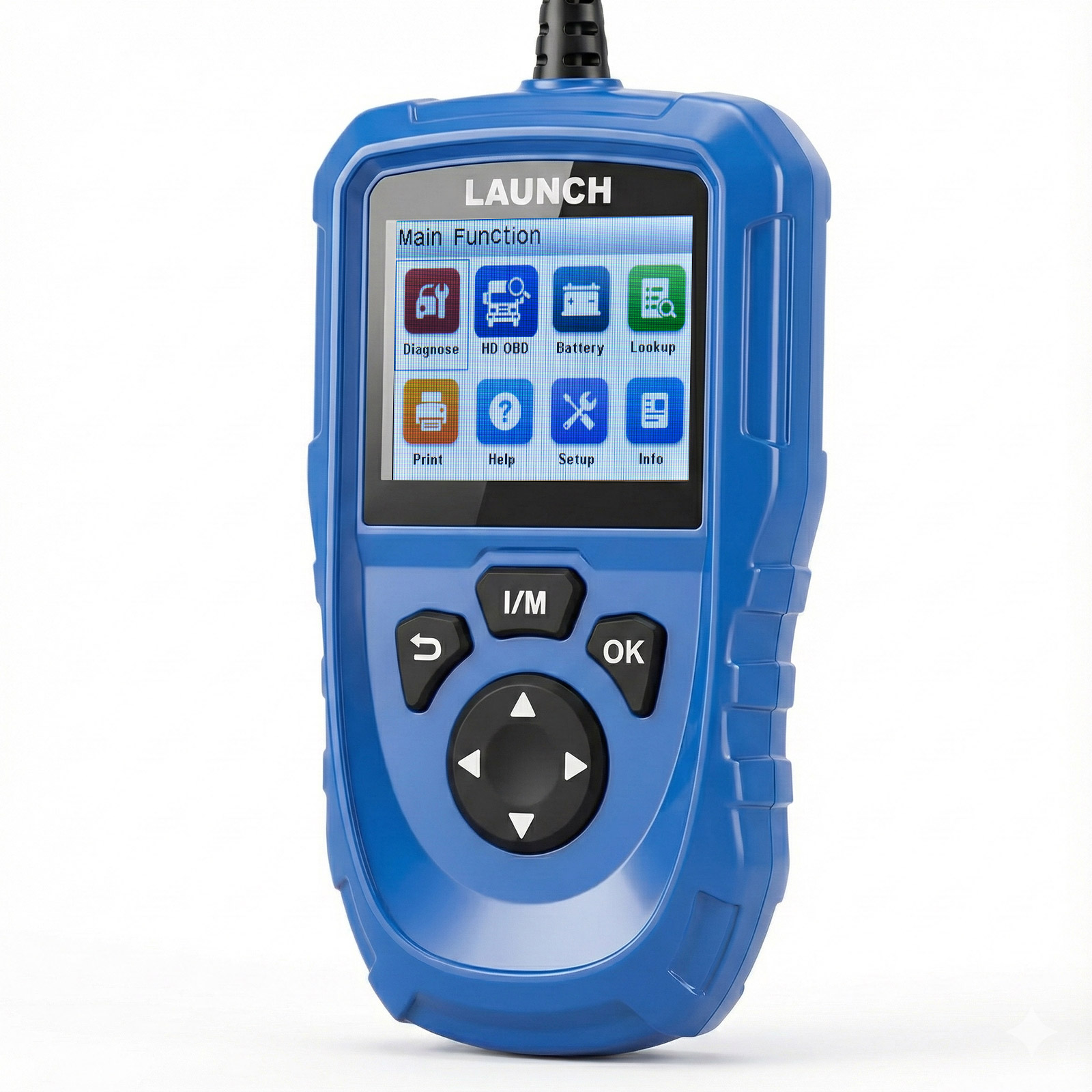
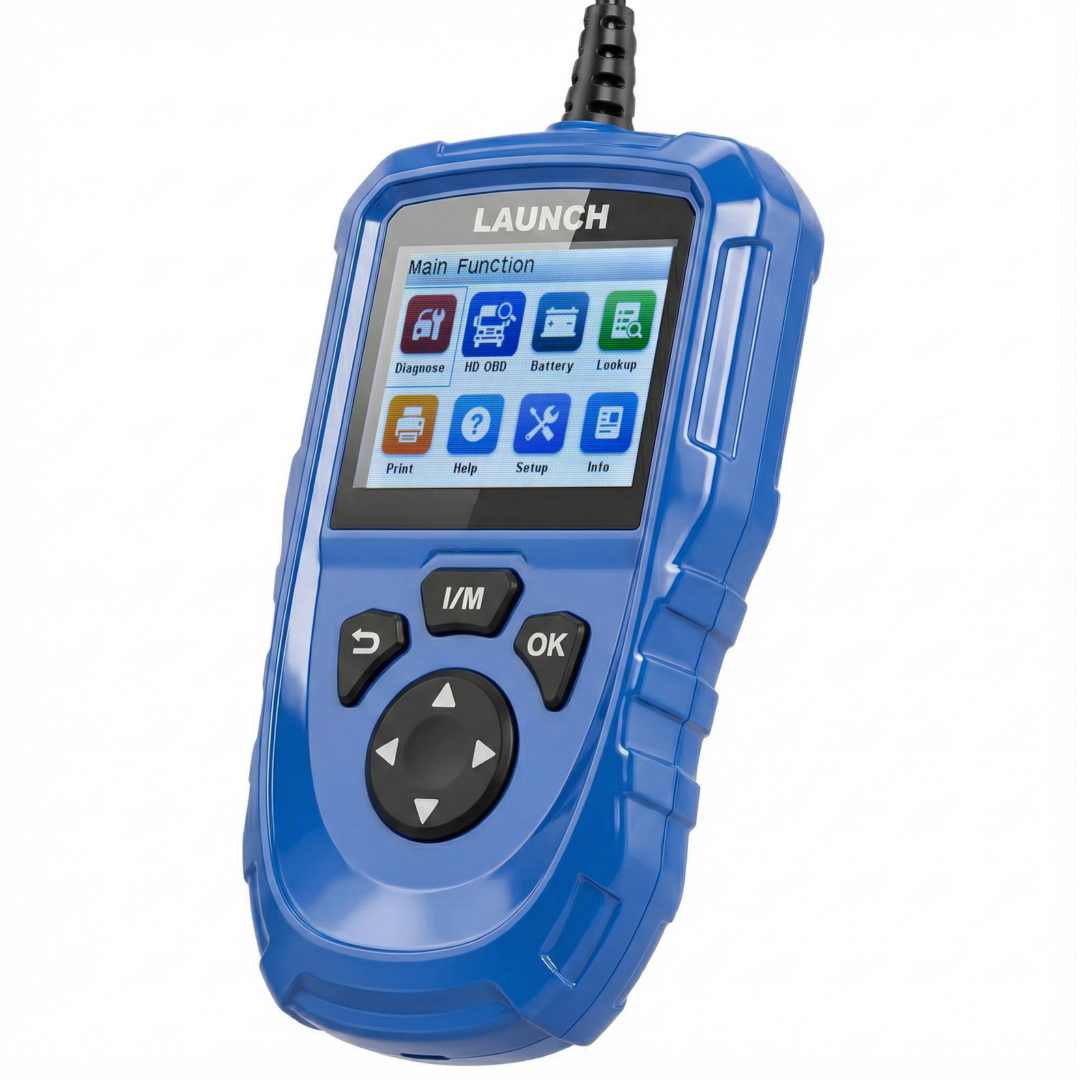
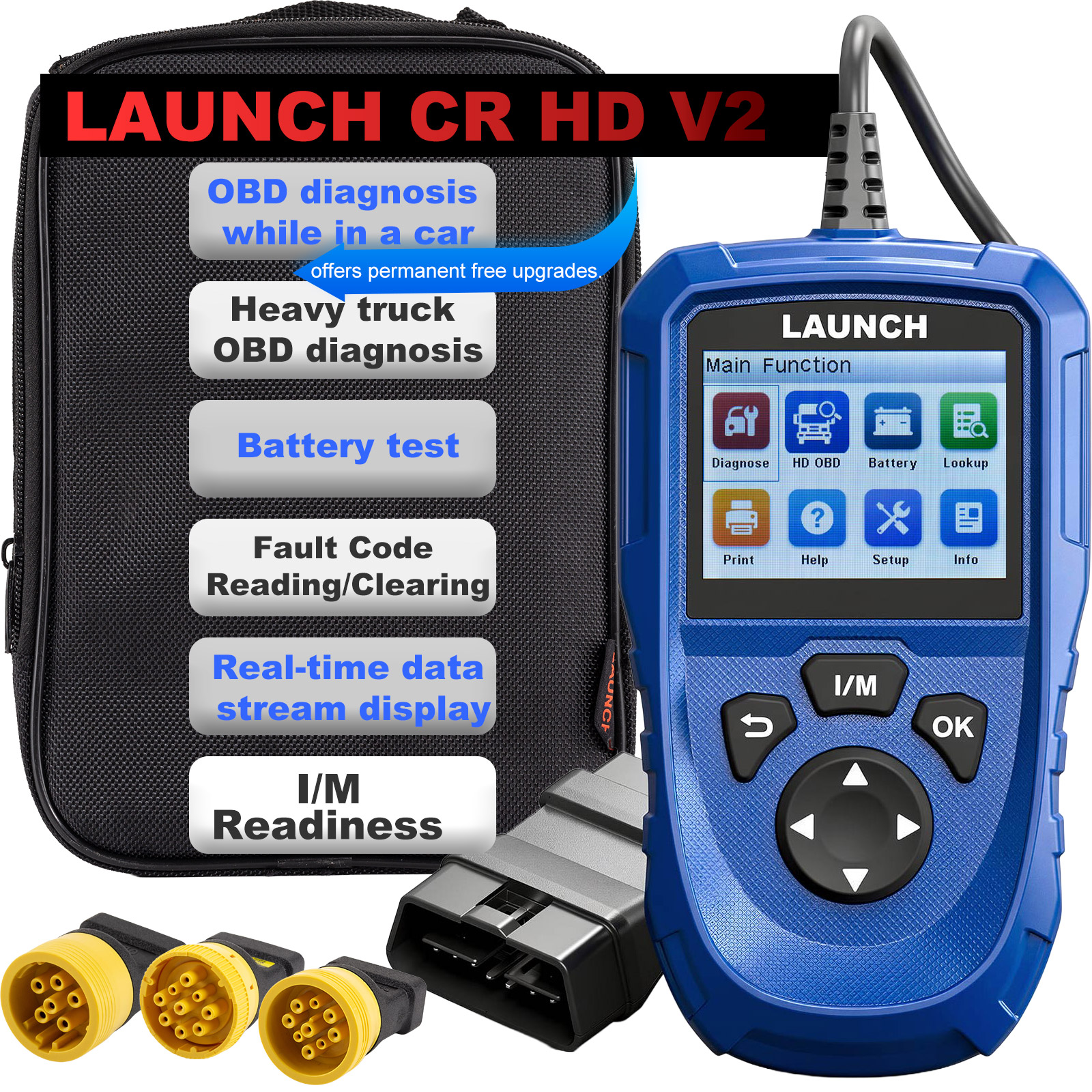
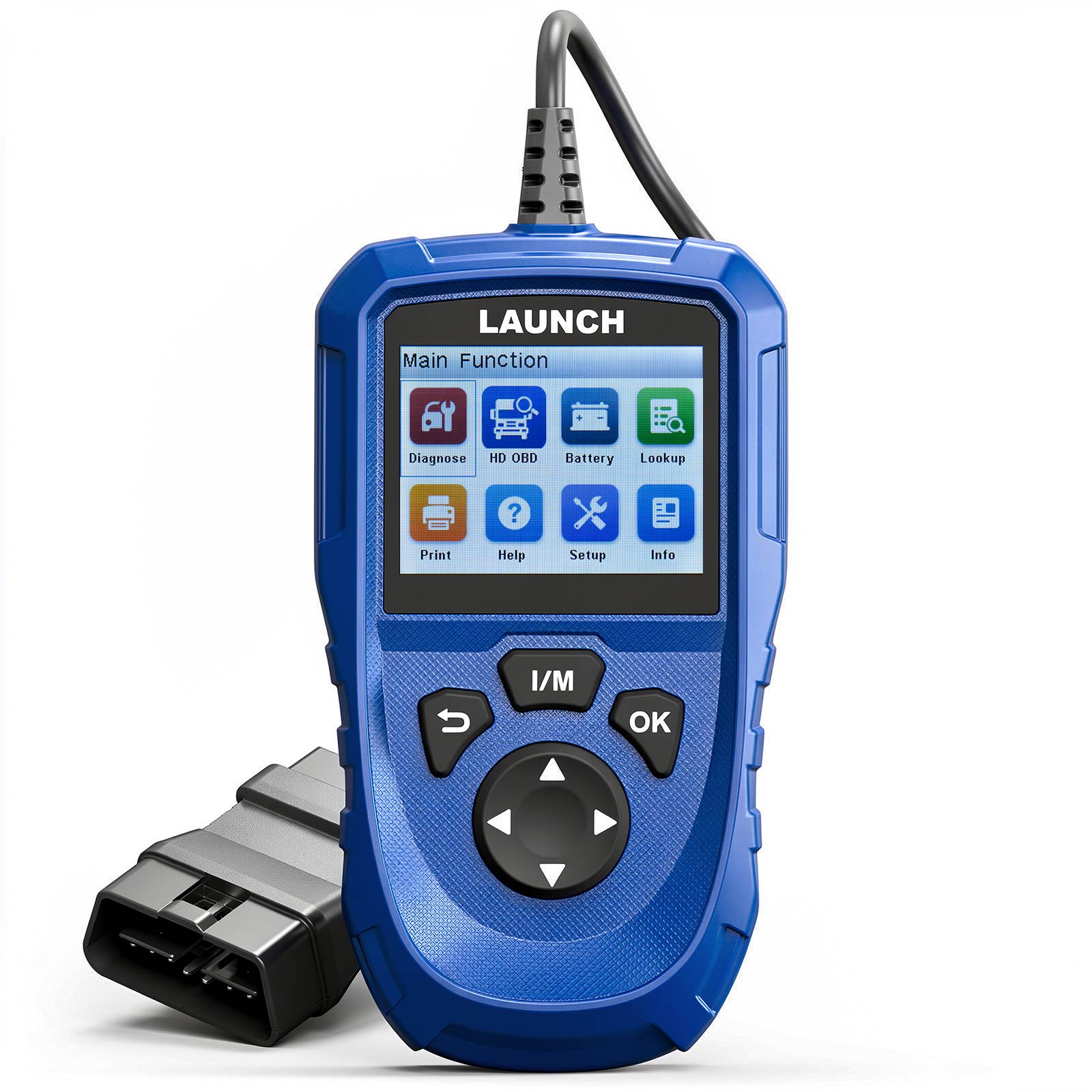
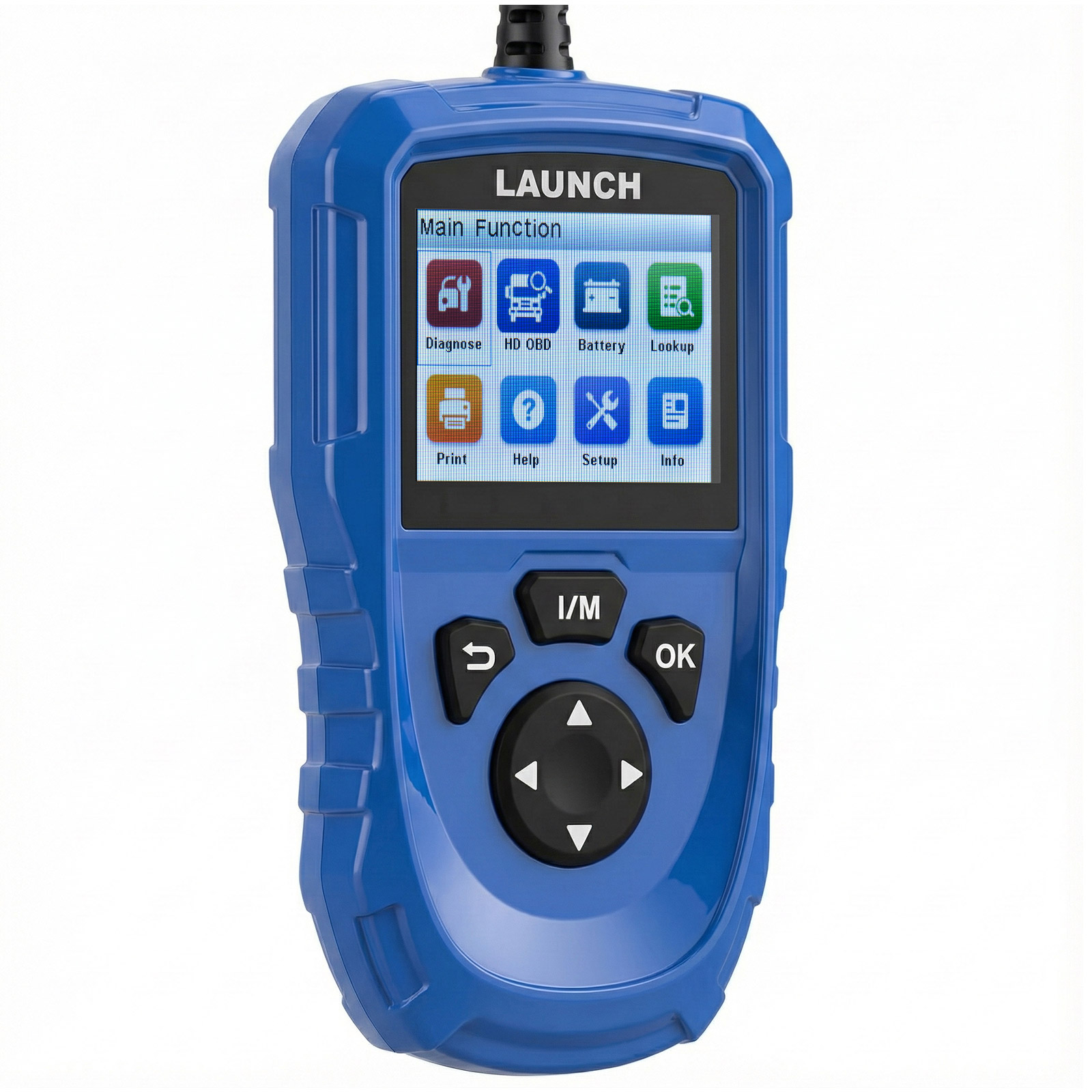
LAUNCH CR HD V2 is a new generation heavy-duty truck tool, developed based on the ARM platform and designed specifically for DIY users. This product supports HD OBD and EOBD, and features practical functions such as fast fault code reading and clearing, real-time data stream display, graphical display, voltage detection, data printing, and I/M readiness status checking, meeting the needs of various scenarios including daily maintenance and troubleshooting.
LAUNCH CR HD V2 supports J1708, J1939, J1979, J1850, PWM, and VPW protocols. It offers comprehensive fault code and data stream display and offers permanent free upgrades.
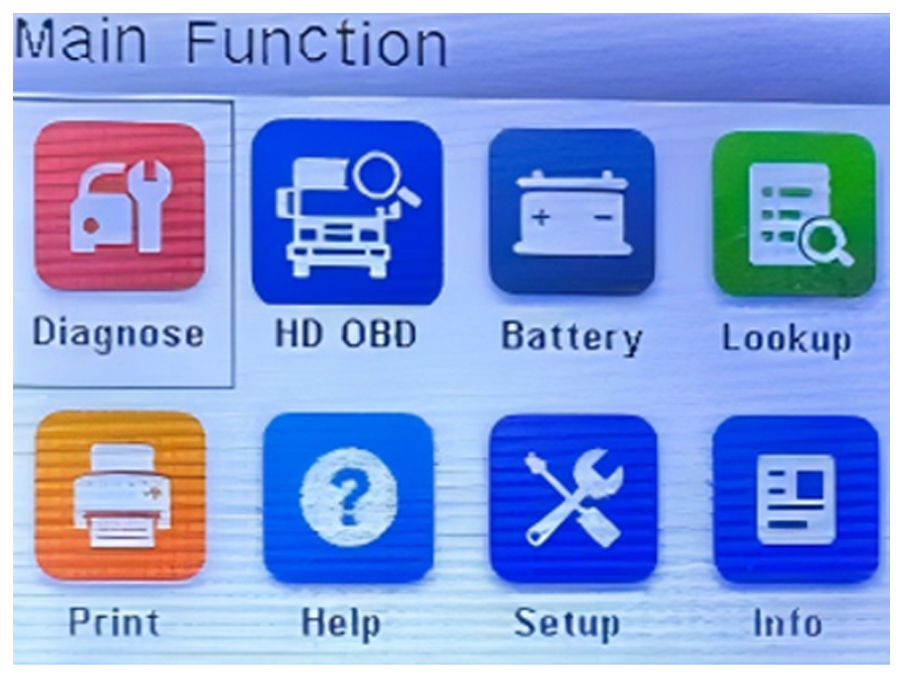
Product Functions:
HD OBD (Heavy Truck OBD Diagnostics)
Help
OBD related definitions; Data flow terminology definitions; I/M readiness state terminology definitions; Viewing recorded data.
Setup
Product Functions:
Diagnose (Passenger Vehicle OBD Diagnostics)
Supports mainstream global automotive communication protocols, with no compatibility concerns.
Supports mainstream global automotive communication protocols, with no compatibility concerns.
HD OBD (Heavy Truck OBD Diagnostics)
Dual-Mode Intelligent Diagnostics
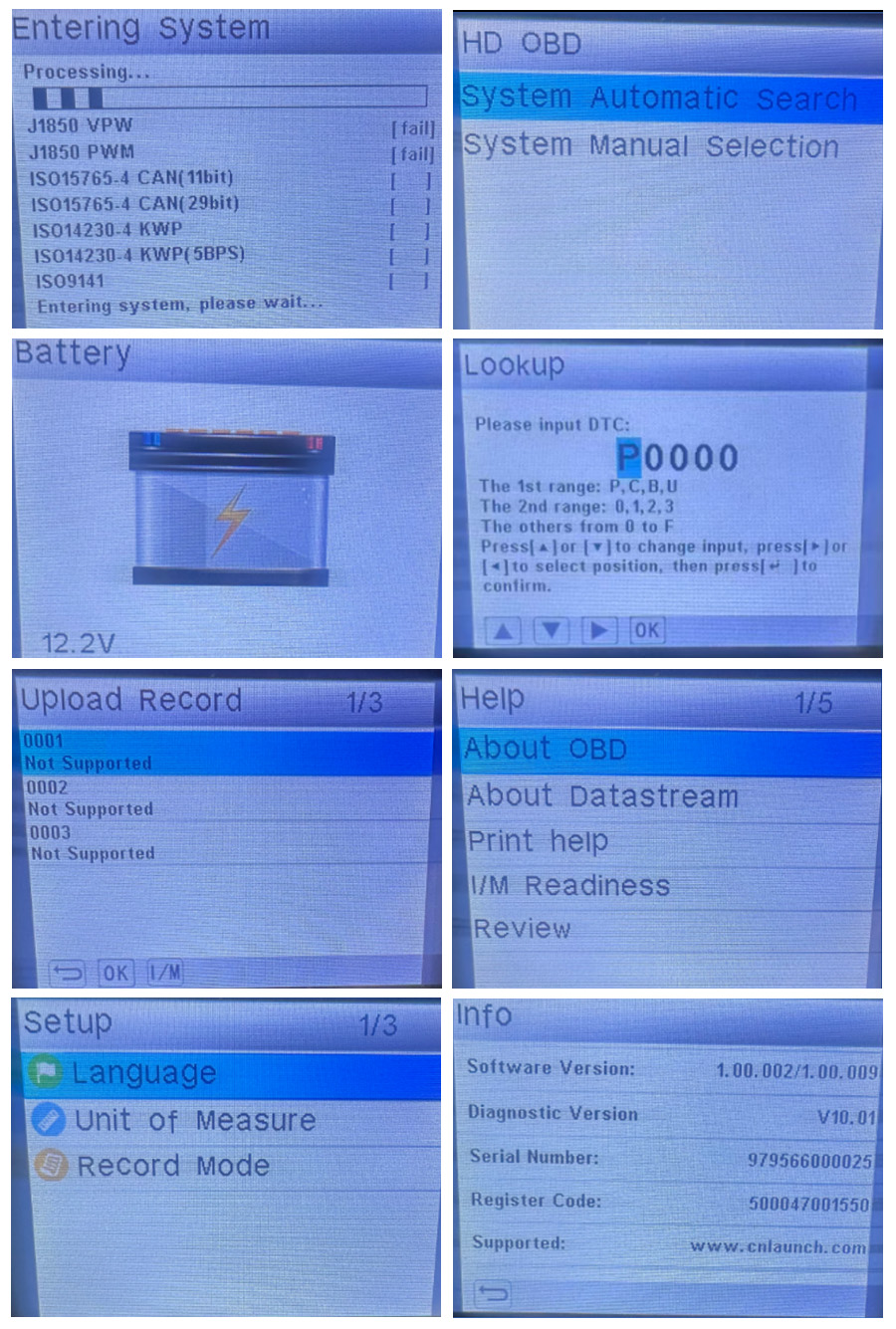
Automatic System Search: Automatically identifies vehicle communication protocols with a single click, quickly establishing a connection for high efficiency and convenience.
Manual System Selection: Supports professional personnel manually specifying the system to handle special or complex vehicle models, providing more accurate and flexible diagnosis.
Battery (Battery Check)
Read battery voltage from OBD port
Read battery voltage from OBD port
Lookup (Fault Code Lookup) One-click accurate diagnosis, fault code lookup
1. Enter the fault code → 2. Adjust the characters according to the prompts → 3. Press [OK] to confirm the lookup
Help
OBD related definitions; Data flow terminology definitions; I/M readiness state terminology definitions; Viewing recorded data.
Setup
Language Switching: Supports three multilingual interfaces to meet the native language operation needs of users in different regions.
Unit of Measure: Allows for flexible unit settings to ensure data reading conforms to user habits.
Record mode: One-click enabling and disabling of recording mode.
Info(Device Information)
Info(Device Information)
Software Version: The software version currently installed on the device.
Diagnostic Version: The firmware version currently installed on the device.
Serial Number
Register Code
Supported: Official Support Channels
Product Specifications:
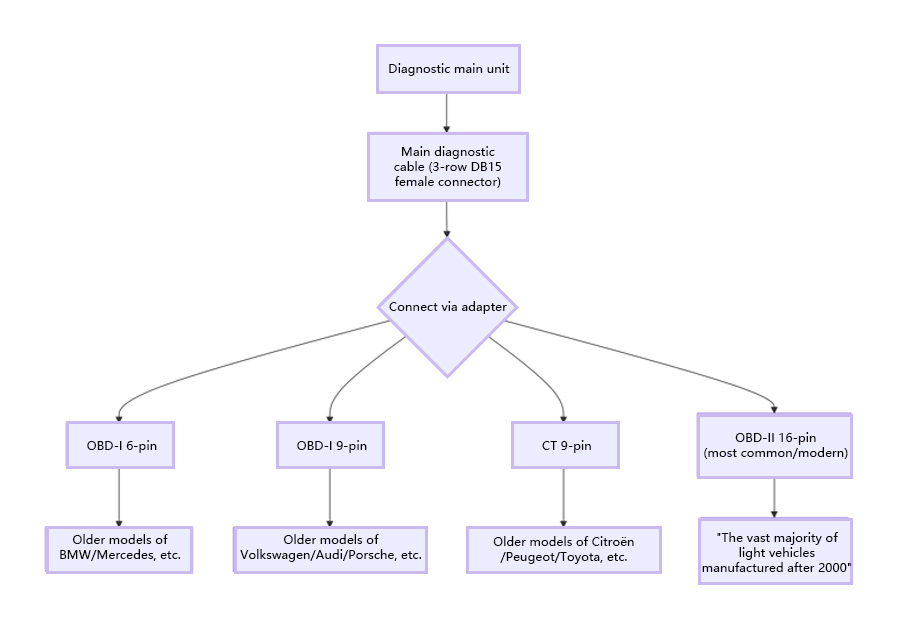
Vehicle Diagnostic Interface Working Diagram
Quick Connection and Diagnostic Operation Steps
Package includes:
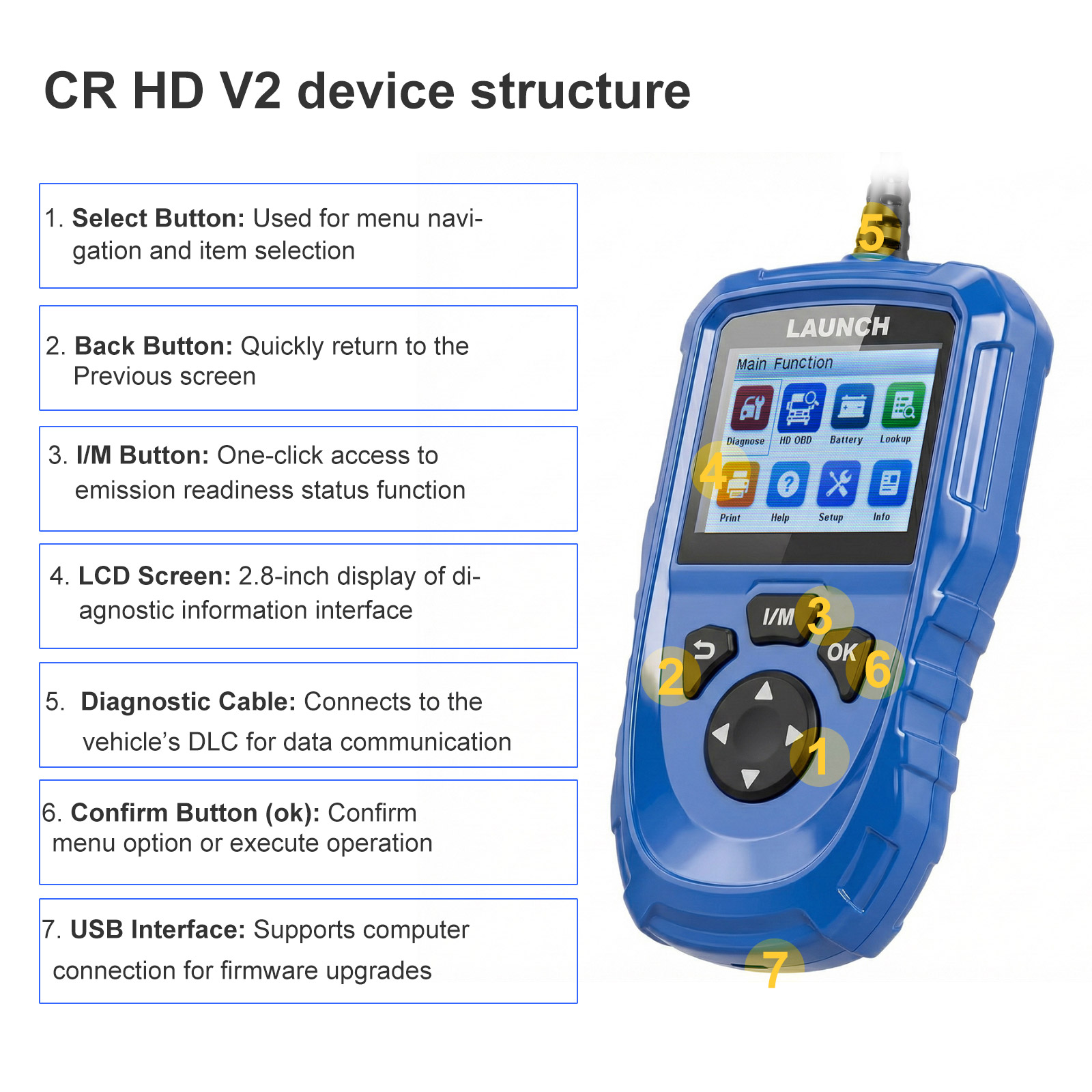
Screen: 2.8 inch
Storage: 16MB
Interfaces: 1. OBDII (direct output); 2. Type-C
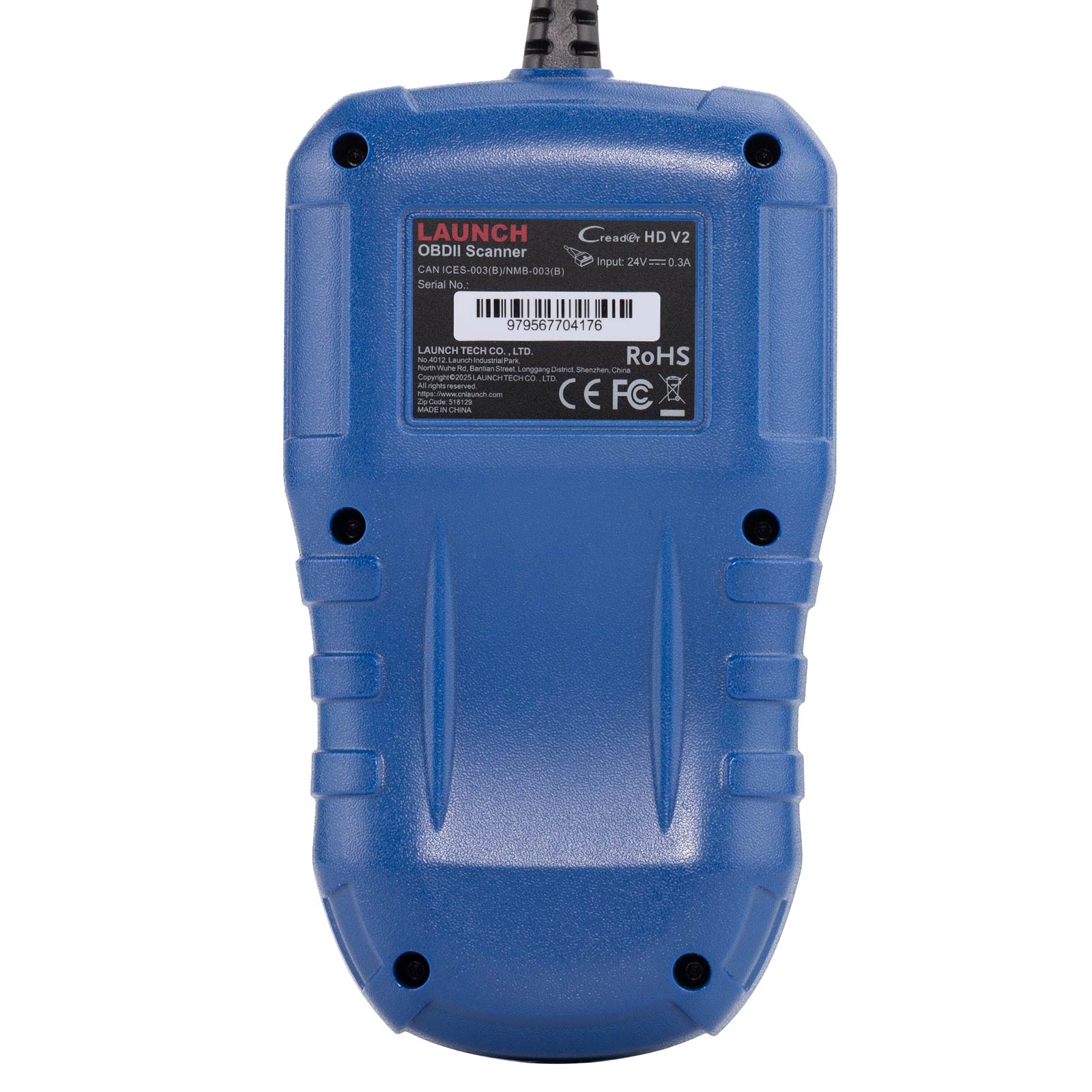
Voltage: 24V
Operating Current: 0.25A
Operating Temperature: 0â~-50â
Storage Temperature: -20â~-70â
Buttons: Up, Down, Left, Right, Confirm, Back, I/M
Certifications: CE, FCC, IC, RoHS
Languages: English, French, Spanish
Service: Upgrade package obtained via PC client connection, permanently valid.
Vehicle Diagnostic Interface Working Diagram
Quick Connection and Diagnostic Operation Steps
1. Connection Steps
• First, turn off the ignition switch and ensure the vehicle is in a safe state;
• Next, locate the DLC (Data Connector) – usually located under the steering wheel or on the driver's side dashboard;
• Next, select and install the appropriate adapter according to the vehicle's DLC type;
• Then, connect the diagnostic cable to the vehicle's DLC via the adapter;
• Finally, turn on the ignition switch (the engine can be off or running) and start the diagnostic system.
2. Diagnostic Operation
Connecting the Device: Connect the diagnostic tool to the vehicle's DLC, turn on the ignition switch, and the device will start automatically;
Entering the Main Interface: After the system recognizes the vehicle, it will enter the main function screen;
Selecting a Function: Select fault code lookup, data logging, playback, or auxiliary functions as needed;
Following the Prompts: Follow the on-screen instructions to complete the test; simple and efficient.
Package includes:
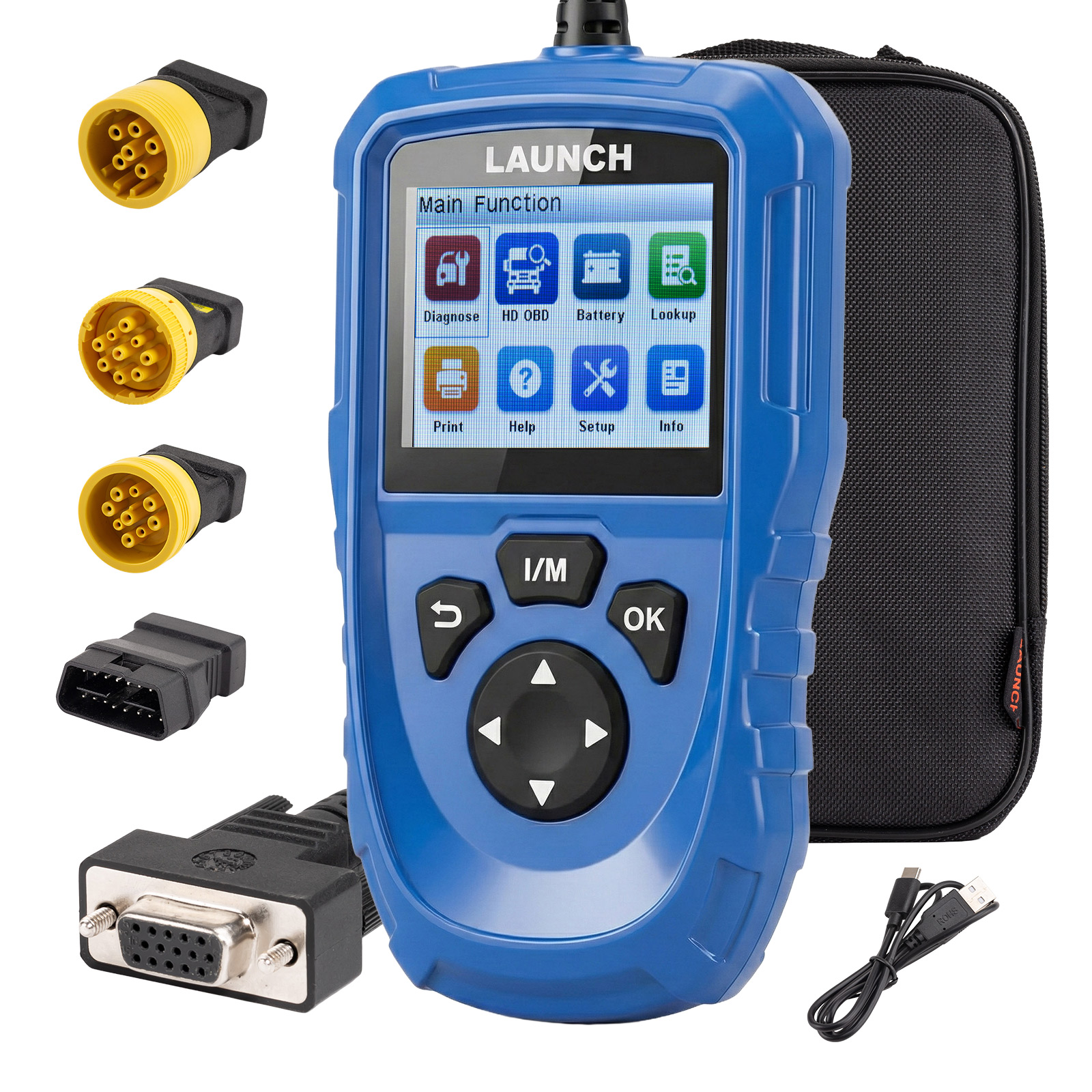
1pc x Main unit with diagnostic cables (3-row DB15 female connectors (1.5m cable))
1pc x OBD6 connector,
1pc x OBD9 connector,
1pc x CT9 connector,
1pc x adapter connector
1pc x OBD9 connector,
1pc x CT9 connector,
1pc x adapter connector
1pc x USB power cable
1pc x Quick Start Guide
1pc x Cloth bag
Contact us:
Email: [email protected]
WhatsApp: +1 937 888 0032
If you have any questions, please do not hesitate to contact us.
Email: [email protected]
WhatsApp: +1 937 888 0032
If you have any questions, please do not hesitate to contact us.
Reviews
There are no reviews yet.